
BBEdit and Markdown Insert End Reference Script
As mentioned previously, I have a love-hate relationship with AppleScript.1 It’s an insanely bad language for the importance it has garnered on my system. But sometimes it’s all I’ve got. In this case, I wanted a pop-up menu of all of my end references in the current BBEdit document. I took it a bit further and ended up with something that I truly like.
:::applescript
try

	tell application "BBEdit"

        set results to find "^\\[.*?\\]: http(s?):\\/\\/.*" options {search mode:grep, starting at top:true, wrap around:true, returning results:true} searching in {text of front text document}

        set ResultList to found matches of results

        set choiceList to {}

        repeat with refLink in ResultList

            set end of choiceList to refLink's match_string

        end repeat

        set pasteLink to (choose from list choiceList with prompt "Choose a Link:") as text

        set startDelim to AppleScript's text item delimiters

        set AppleScript's text item delimiters to {":"}

        set linkName to text item 1 of pasteLink

        set AppleScript's text item delimiters to startDelim

        set selection to linkName

	end tell

end try
The script leverages BBEdit’s grep search to get a list of all Markdown reference style links. A popup menu is then displayed.
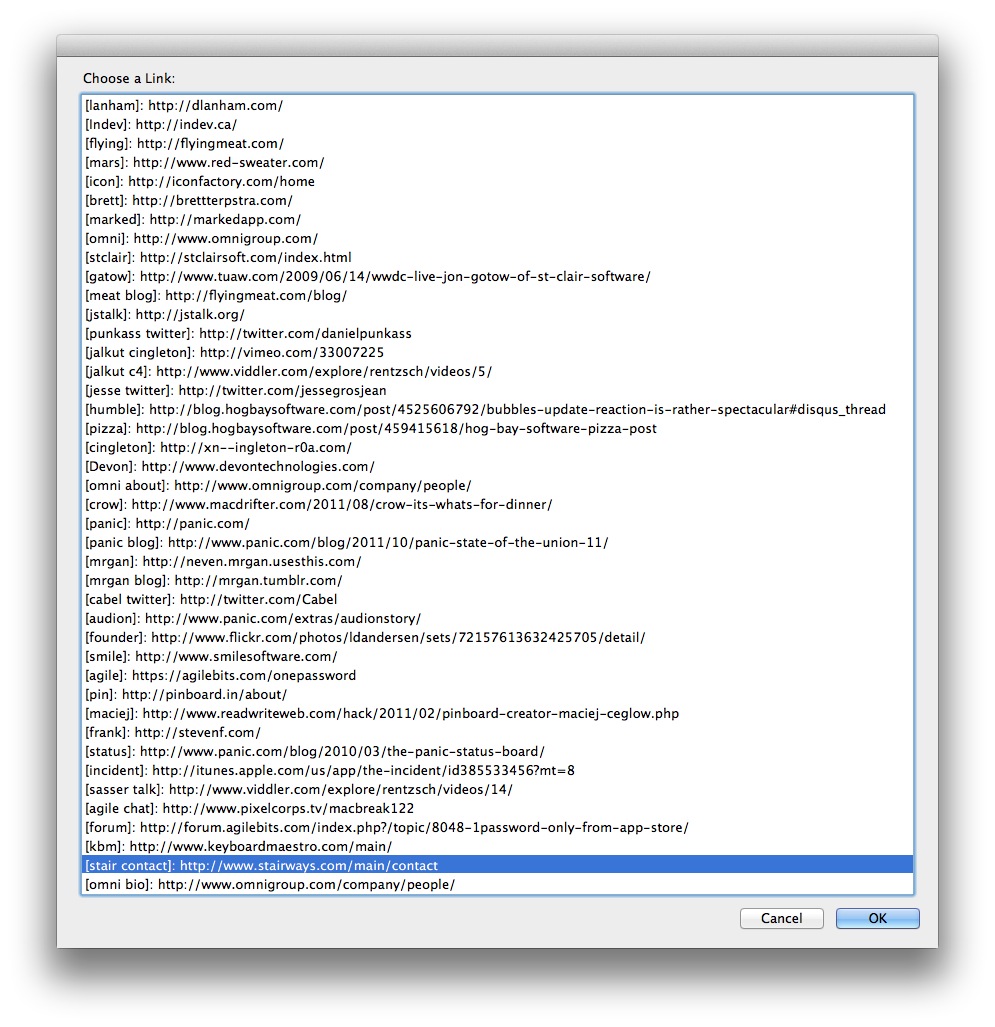
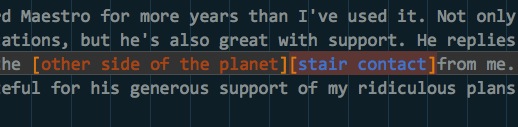
Selecting the appropriate item inserts the reference marker at the current cursor in BBEdit. This is perfect for the way I write. I typically gather a large number of references first and then start writing. As I write, I can now quickly insert the reference pointer inline.
Update: If you replace find string with this line the script now works for footnotes instead.
:::applescript
set results to find "(^\\[\\^.*?\\]):(.*)" options {search mode:grep, starting at top:true, wrap around:true, returning results:true} searching in {text of front text document}
Update 2: Sorry for the messy code. I've cleaned it up a bit. Did I mention I have a day job, a three year-old and a wife in Law School (night school). Excuses, excuses.
<li id="fn:1">Mostly hate. <a href="#fnref:1" rev="footnote">↩</a></li>